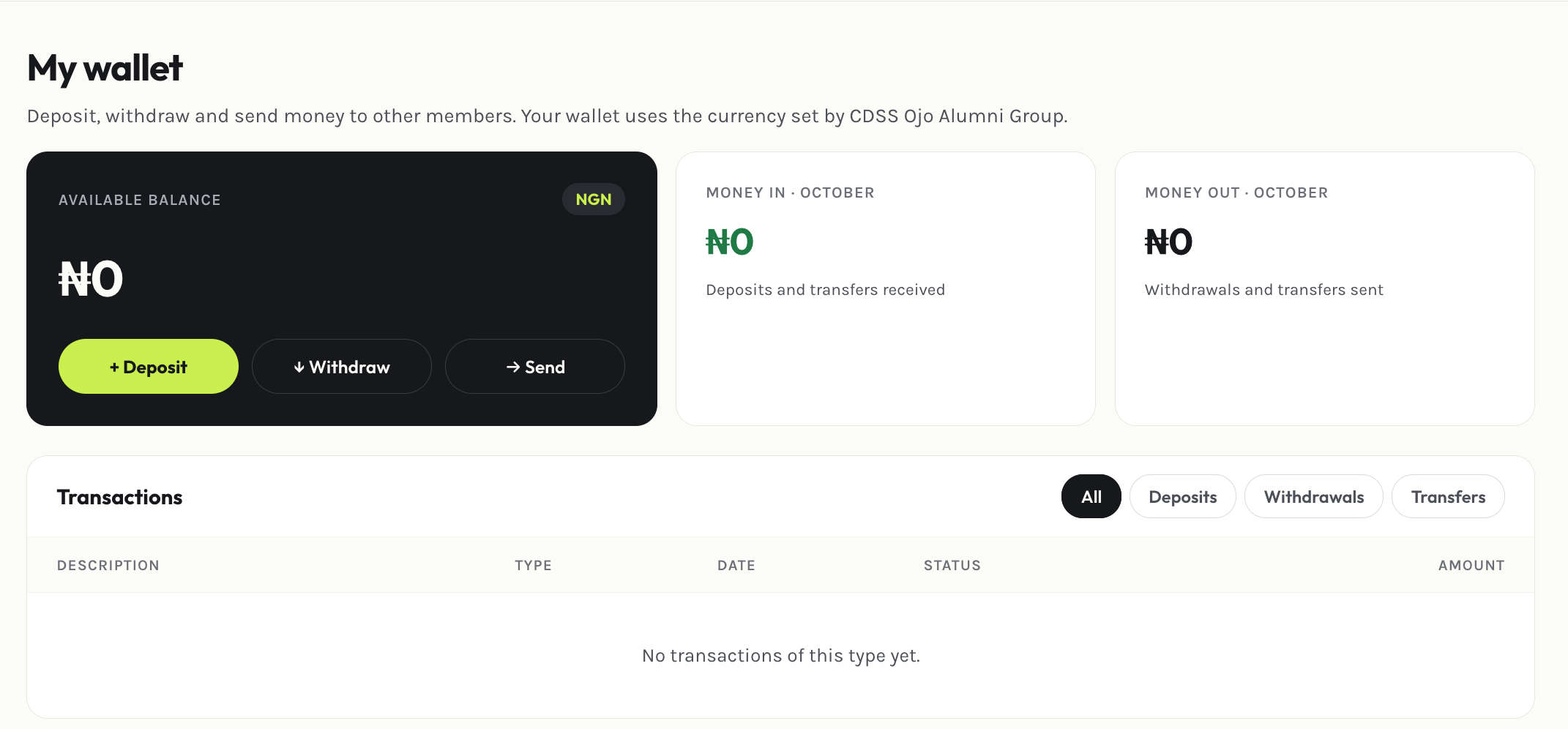
Deposit, withdraw, and send money to other members
Your wallet is a balance you hold within the association — useful for paying dues without a card on hand, or for sending money directly to another member.
Select Withdraw and choose which saved bank account to send it to. A withdrawal request needs at least one bank account on file, and you’ll get an email confirming the request was made.
Select Send, pick the member, and enter an amount. Both you and the recipient get an email confirming the transfer — you as the sender, them as the receiver.
A wallet-to-wallet transfer can’t be reversed from the member portal. Double-check the recipient before sending.
Assistant
Responses are generated using AI and may contain mistakes.