

1
Open Profile
Select Profile in the portal sidebar.
2
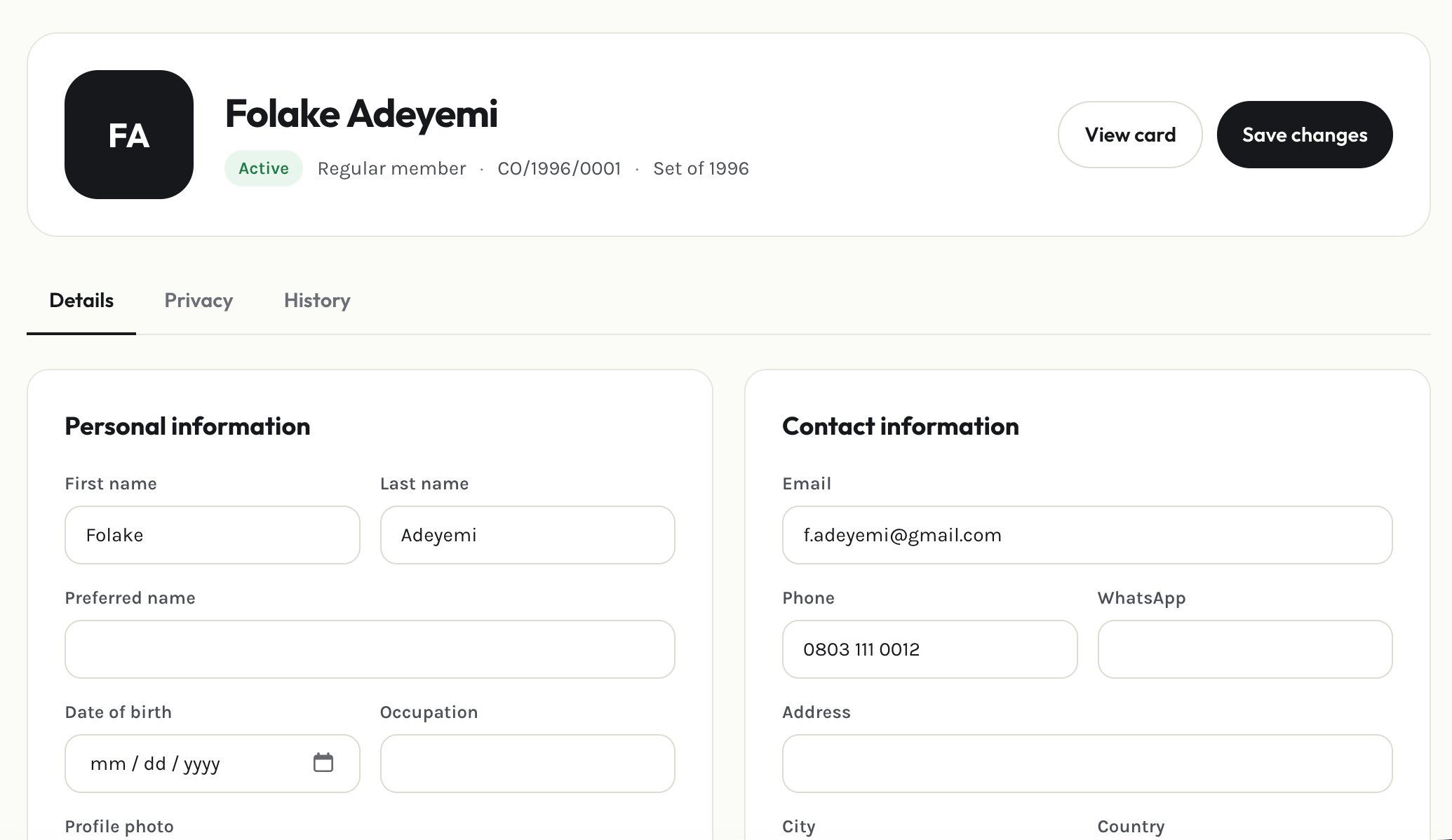
Edit your details
Update your name, contact information, and other personal fields, then save.
3
Set your privacy preferences
Choose which profile fields (like your phone number or address) are visible to other members in the directory versus kept visible only to admins.
Privacy settings only control what other members can see. Association admins can always see your full profile.