

1
Create an event
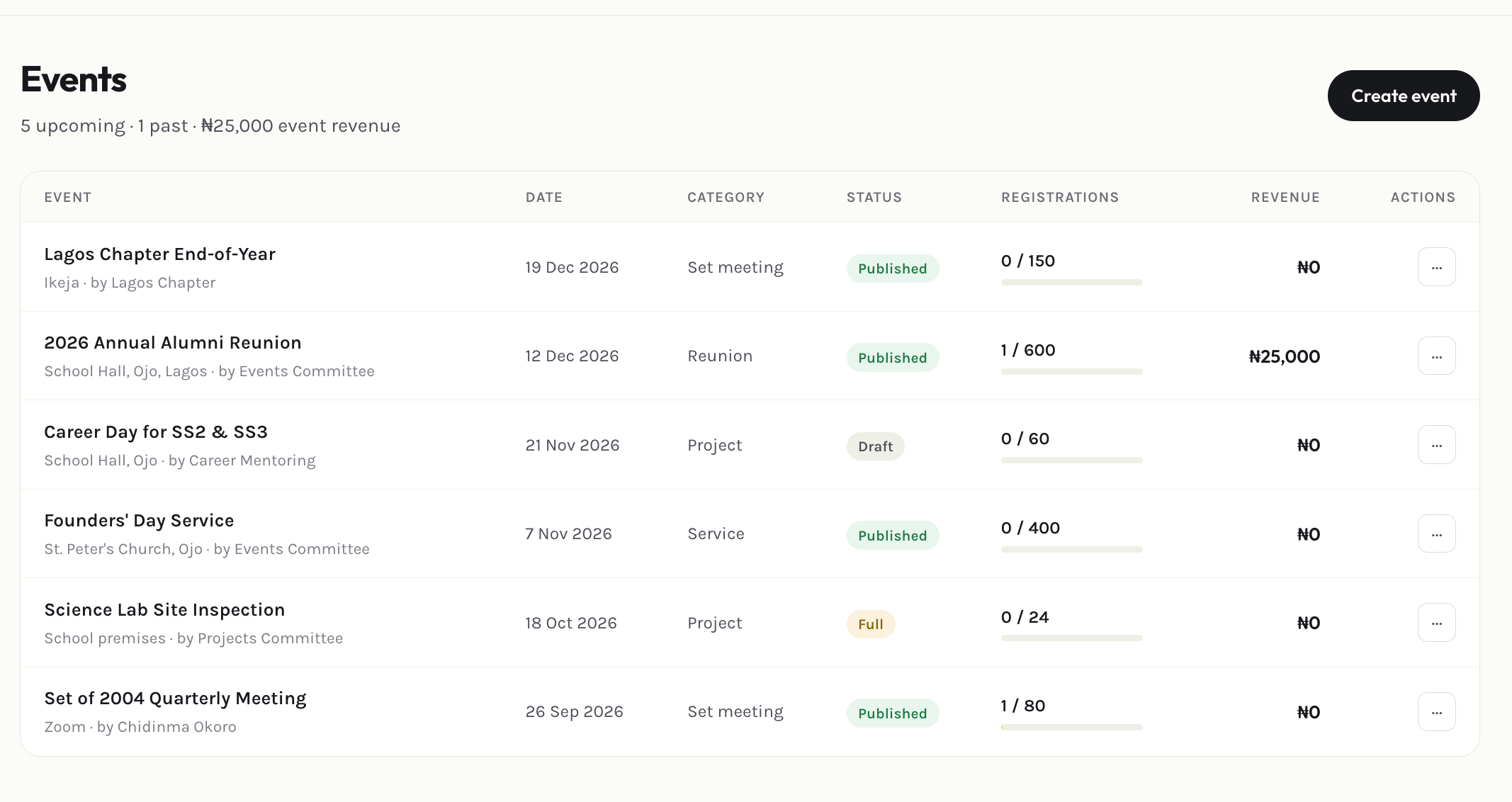
Select Add event and fill in the date, location, description, and any registration requirements or fees.
2
Publish it
A new event starts as a draft, invisible to members. Select Publish when it’s ready to go live.
3
Track registrations and check-in
Once published, see who’s registered from the event’s detail view, and use Attendance to check people in on the day.