> ## Documentation Index
> Fetch the complete documentation index at: https://docs.useangie.com/llms.txt
> Use this file to discover all available pages before exploring further.
# Groups
> Organize members into groups, such as chapters or class sets
Groups let you organize members — by graduating class, chapter, or however your association structures itself.
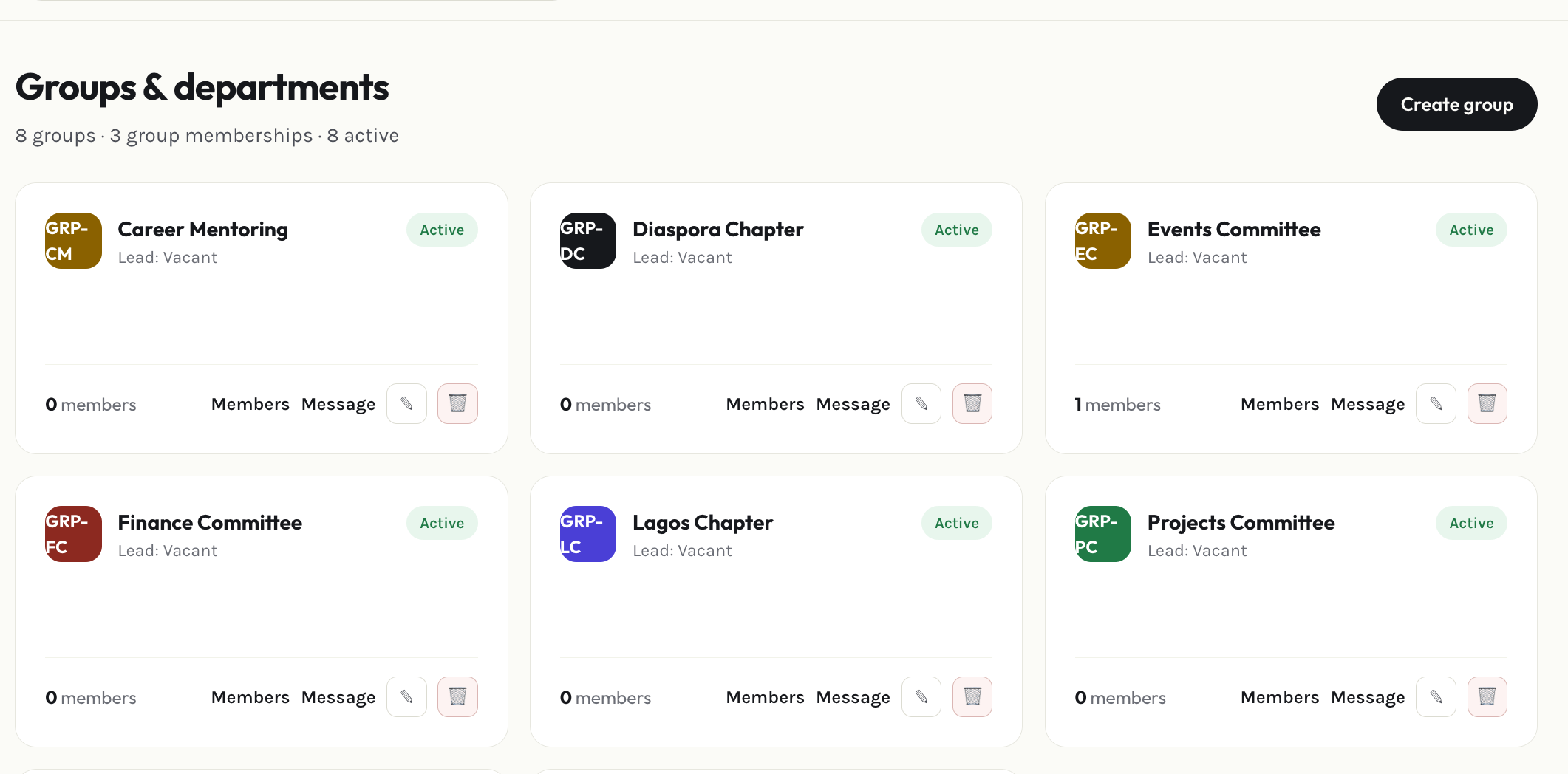 Select **Add group**, name it, and save.
Open the group and search for a member to set as group leader using the typeahead search.
Add or remove members from the group's detail page. Members can also request to join or leave a group themselves from their own [settings](/member-guide/settings) — those requests land with you for approval.
This documentation is built and hosted on [Mintlify](https://mintlify.com), a developer documentation platform.
Select **Add group**, name it, and save.
Open the group and search for a member to set as group leader using the typeahead search.
Add or remove members from the group's detail page. Members can also request to join or leave a group themselves from their own [settings](/member-guide/settings) — those requests land with you for approval.
This documentation is built and hosted on [Mintlify](https://mintlify.com), a developer documentation platform.